How to Use MBUX for Navigation
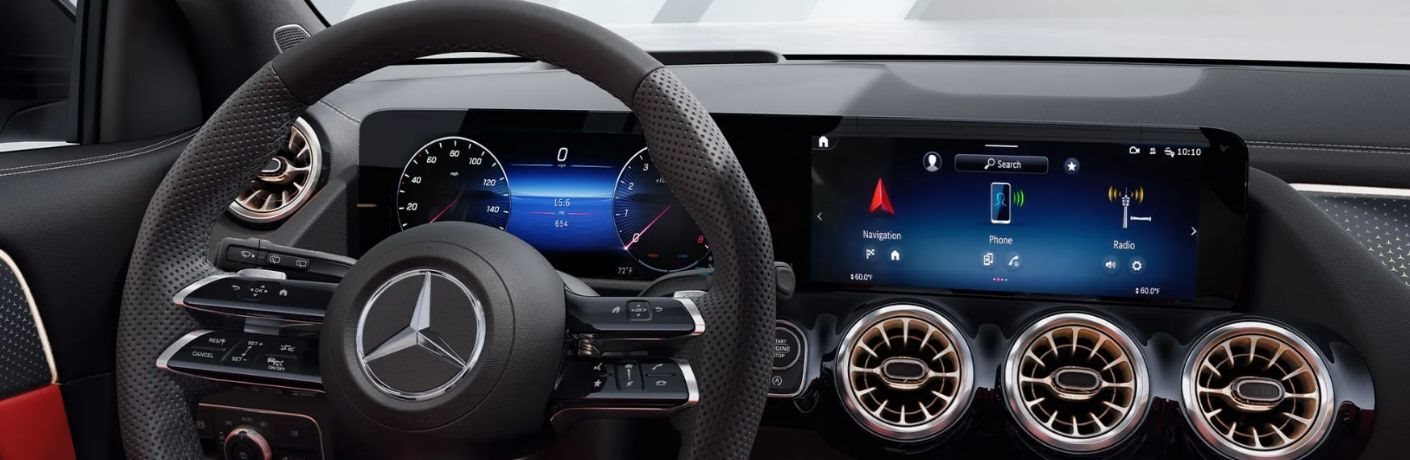
The Mercedes-Benz User Experience (MBUX) is an advanced infotainment system designed to make your driving experience more innovative and intuitive. MBUX lets you control many of your vehicle's functions through voice commands, touch, or gestures. It offers seamless connectivity, superior graphics, and integration with Google Maps for enhanced navigation. Keep reading to learn more about it from our team at Mercedes-Benz of Scottsdale in Scottsdale, AZ.
How Does MBUX Enhance Your Navigation Experience?
Mercedes-Benz has partnered with Google to create a cutting-edge navigation experience. With this collaboration, MBUX integrates Google Maps' capabilities directly into your vehicle, giving you access to features such as:
- Real-time and predictive traffic data to avoid delays.
- Automatic rerouting in case of traffic jams or road closures.
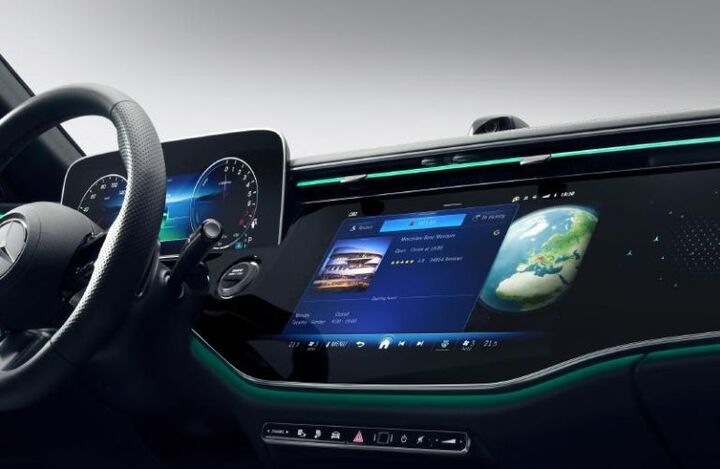
- Detailed information about locations, including businesses, landmarks, and more.
- 3D imagery at freeway exits for clear guidance.
These features, combined with your Mercedes-Benz's high-resolution display, ensure a smoother and more intuitive driving experience.
How to Activate Navigation Using MBUX?
Activating the MBUX navigation system is simple:
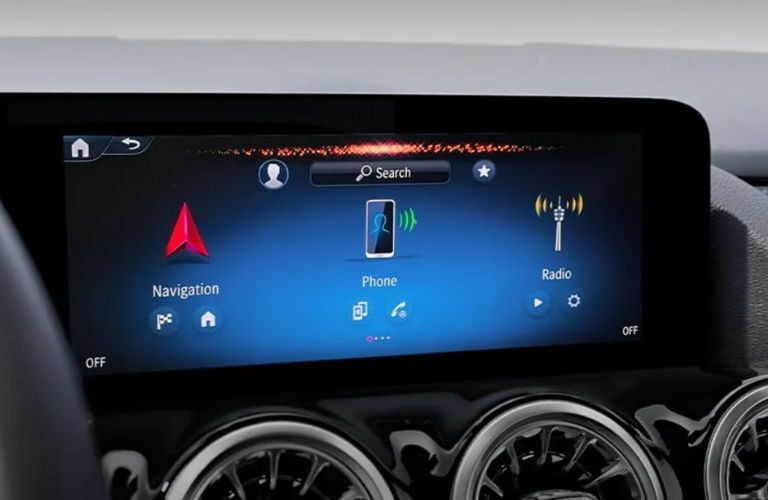
- From the multimedia system's home screen, select the "Navigation" option.
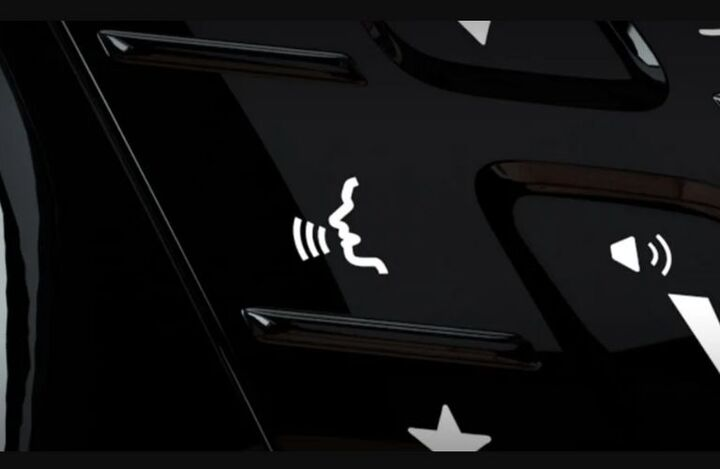
- Alternatively, you can activate the MBUX Voice Assistant by saying "Hey Mercedes" or pressing the microphone button on your steering wheel.
Once activated, you can issue voice commands such as "Take me to [destination]" or ask for specific route details.
Can You Use Voice Commands for Navigation?
Yes, the MBUX system allows for complete voice command control. Just say "Hey Mercedes" to start a conversation with the system. For example:
- "Hey Mercedes, navigate to [location]."
- "Hey Mercedes, show me the fastest route."
- "Hey Mercedes, are there any traffic delays?"
If you need further assistance, you can ask for help by saying, "Hey Mercedes, what can you do?" to get a list of possible commands.
What Map Views Are Available in the Navigation System?
MBUX offers several map types to suit your preferences, including:
- Daytime display for clear visibility during daylight hours.
- Night-time display for reduced glare and easier viewing in low light.
- Satellite map for a more detailed and realistic view of your surroundings.
Can You Adjust the Route During Navigation?
Yes, MBUX provides route recommendations and assists with upcoming maneuvers. It shows lane recommendations, traffic delays, and even 3D images at freeway exits, allowing you to make quick and informed decisions. You can also use voice commands like "Reroute me" or ask for alternative routes to avoid traffic.
How Does MBUX Assist with Driving?
Thanks to Google Maps data, MBUX supports assisted driving features like automatic speed adjustments. For instance, the system can reduce speed before intersections, roundabouts, or sharp curves to enhance safety and comfort.
How Do I Correct or Change the Input During a Voice Command Session?
During a dialog with the MBUX Voice Assistant, you can easily correct your inputs by saying "Correction" or "Back." You can also interrupt the voice output by saying "Pause" and resume later with "Hey Mercedes."
Can You Use MBUX to Access Other Features Besides Navigation?
Yes, MBUX is designed to control a wide array of vehicle functions. You can manage media, climate, phone calls, and more, all through voice commands. For example, say, "Hey Mercedes, adjust the temperature," or "Hey Mercedes, play music."
Experience the MBUX System Firsthand in Scottsdale, AZ!
To explore the MBUX system in greater detail or experience its features firsthand, visit Mercedes-Benz of Scottsdale in Scottsdale, AZ. Our team is happy to answer your questions and arrange a test drive so you can see how MBUX enhances your driving experience.